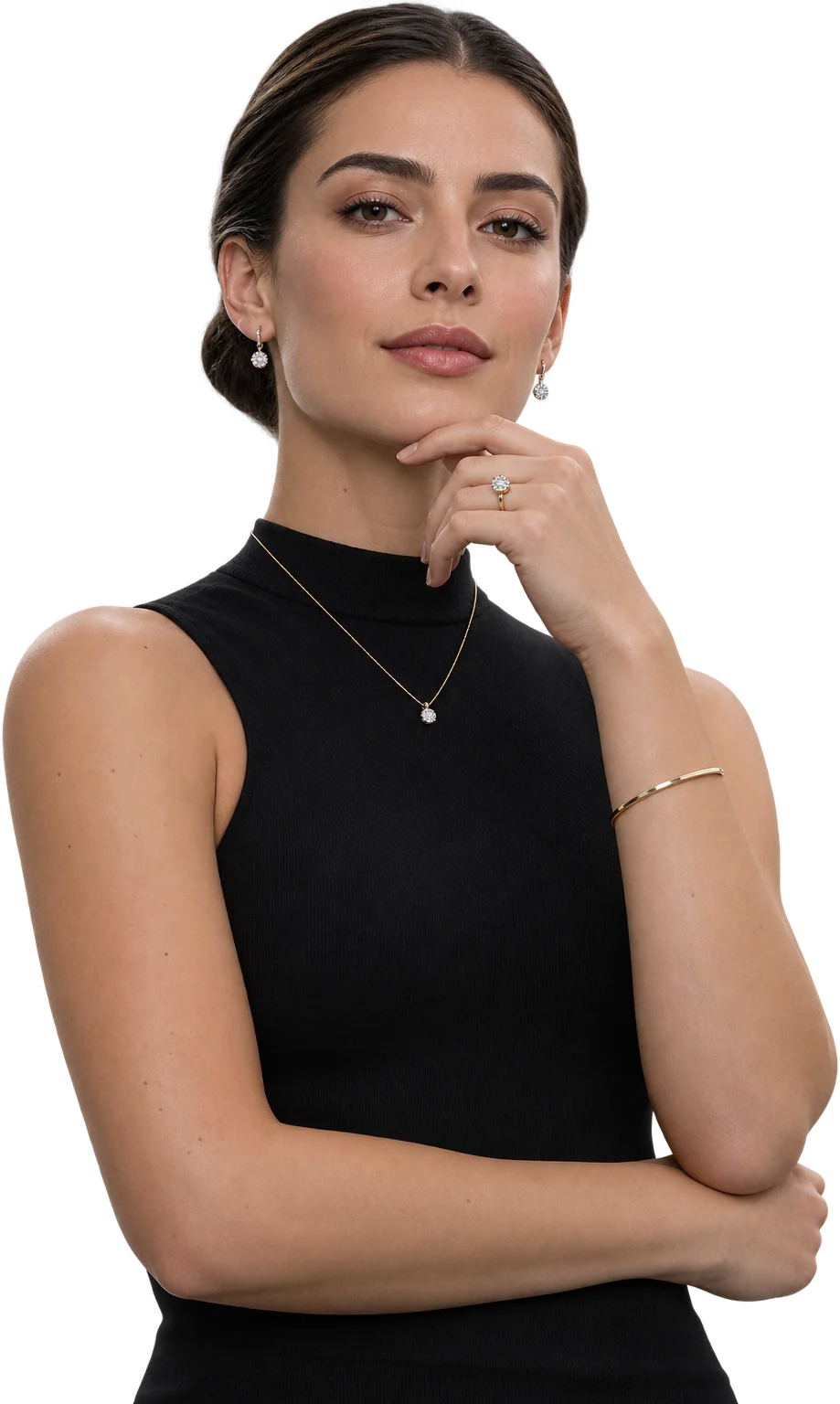
AI Jewellery Image Generator
From idea to campaign shot.Upload a sketch, a photo or a CAD render of your jewellery. Get product shots, try-on images and campaign visuals back in minutes.
- Per image
- Under a minute
- If it fails
- Credits come back
- Start with
- 10 free credits, no card
 Product shot
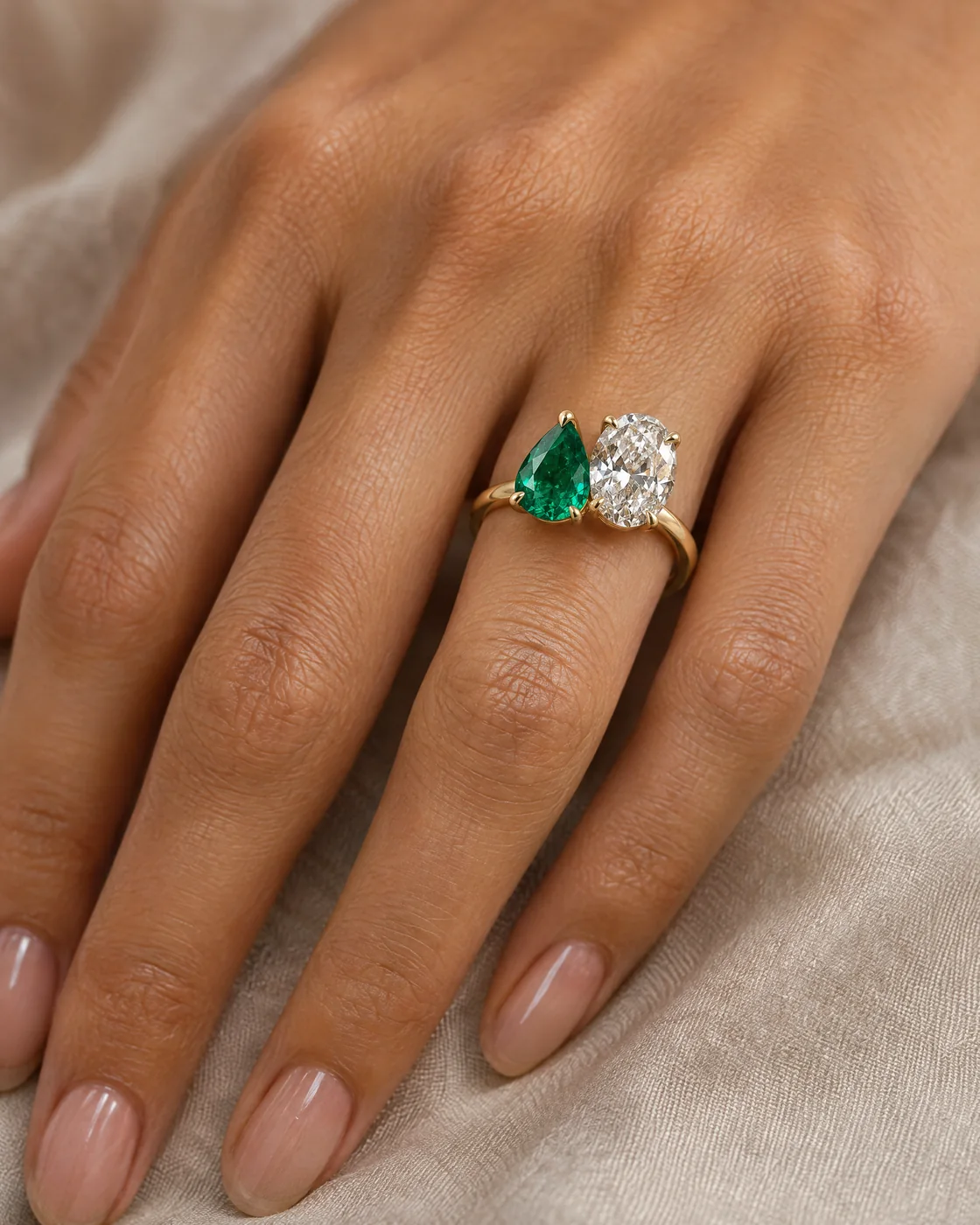
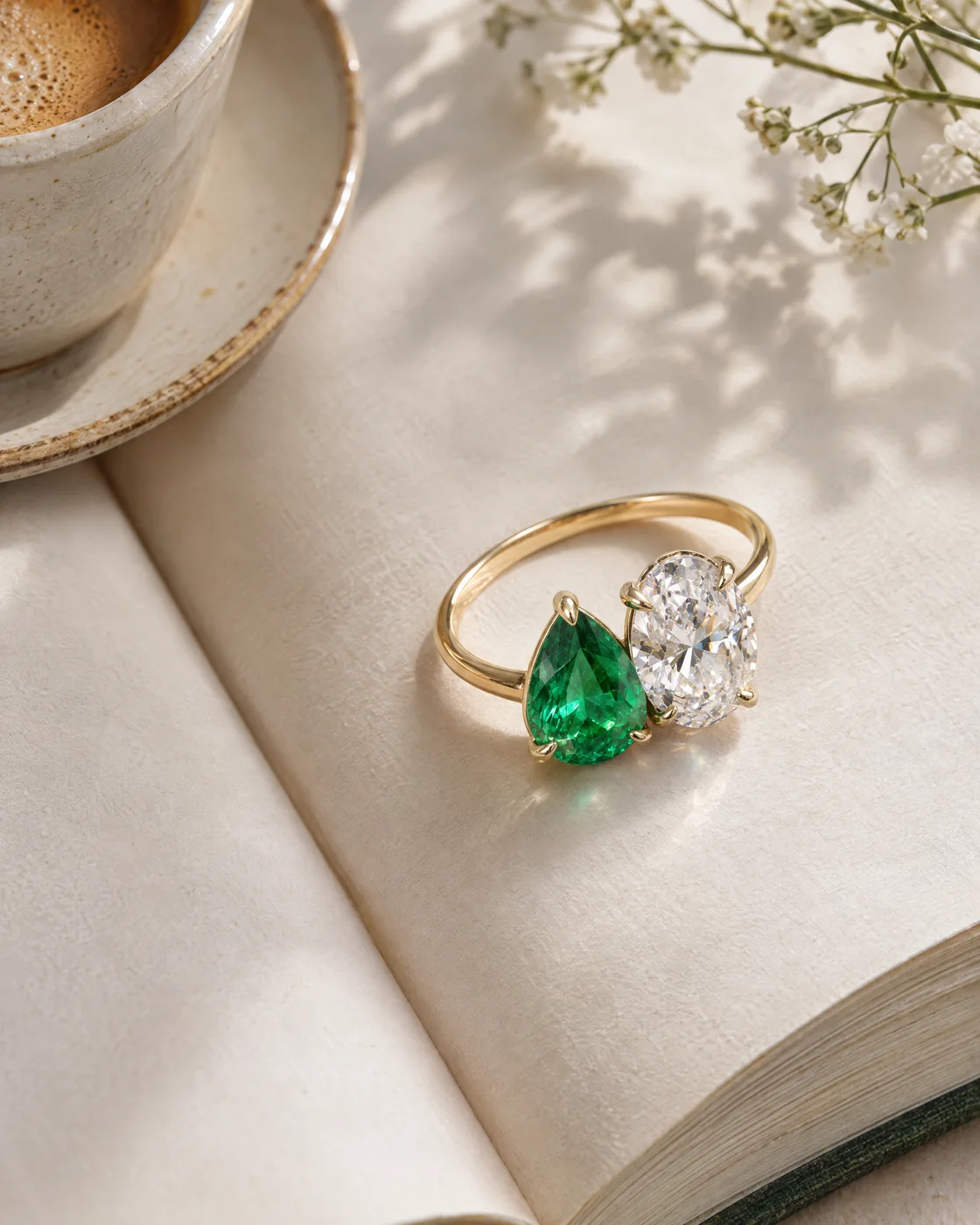
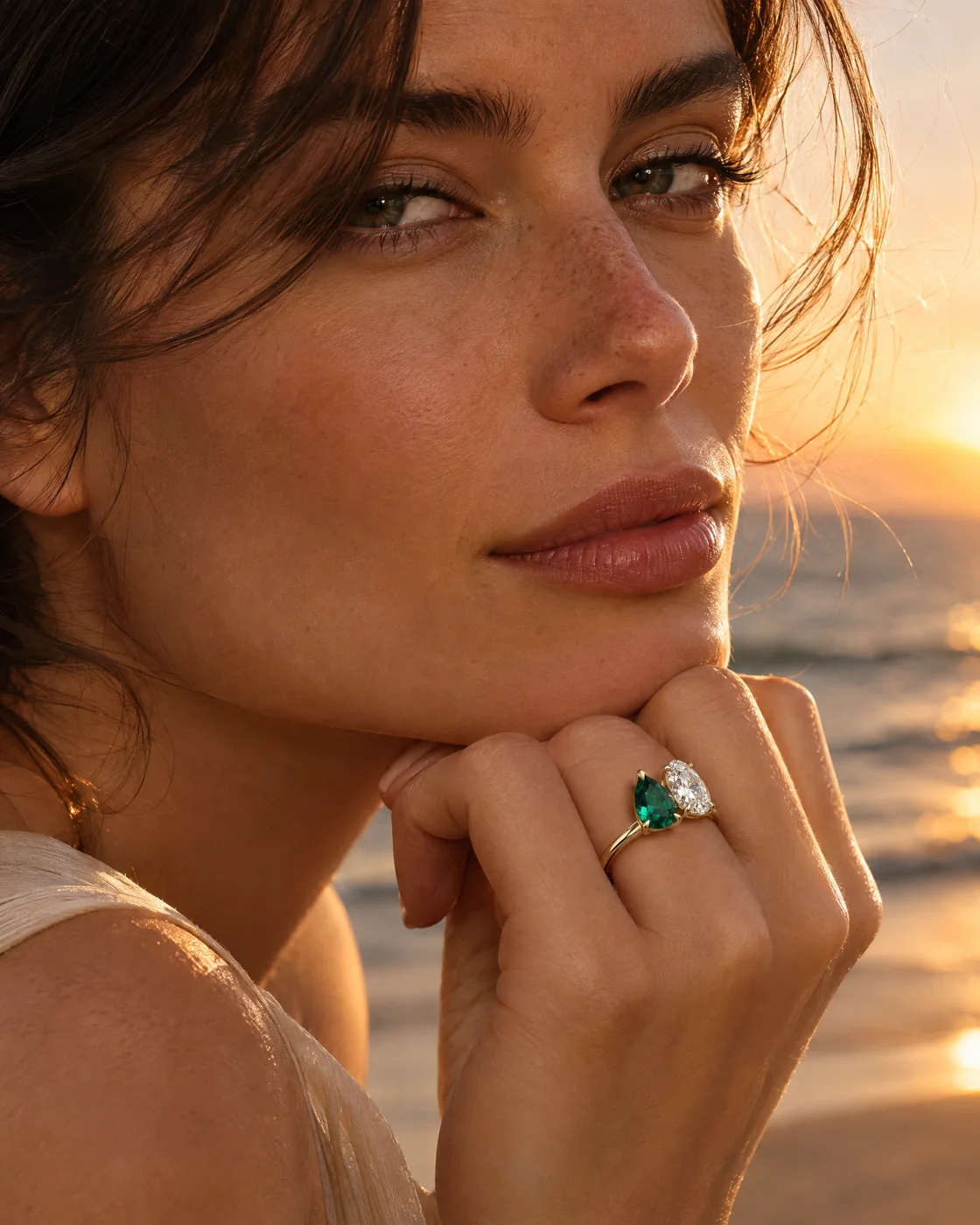
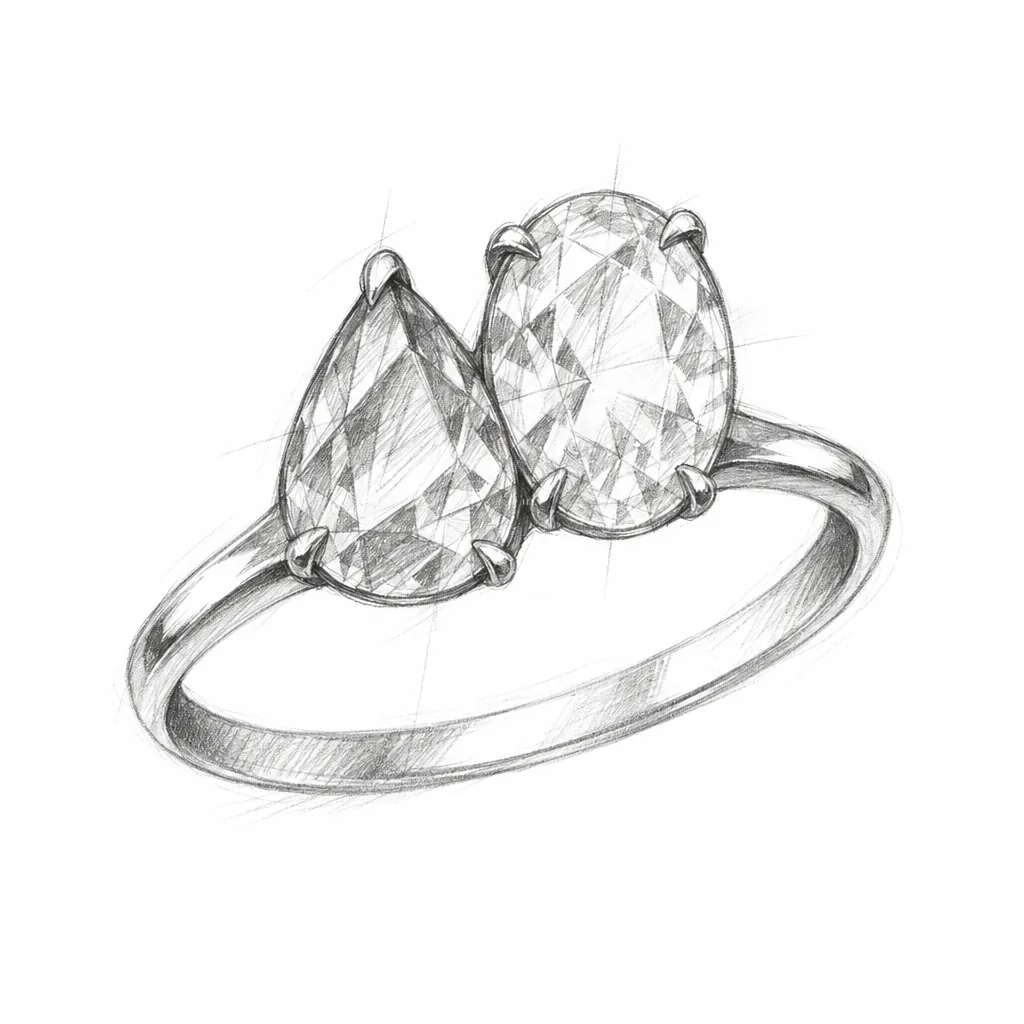
Note: “Green emerald, white diamond, yellow gold.”
Three steps. No prompt writing.
- Upload your referencesUp to five JPG, PNG or WebP images: photos, sketches or CAD renders.Open the studio
- Pick the shotChoose a product shot, try-on, lifestyle scene or campaign shot, then a few settings.Open the studio
- Generate and download1 credit for High quality, 2 for Max quality. Failed images refund automatically.Open the studio

Every image your collection needs.
One studio for every image a jewellery brand needs, from catalogue to campaign.
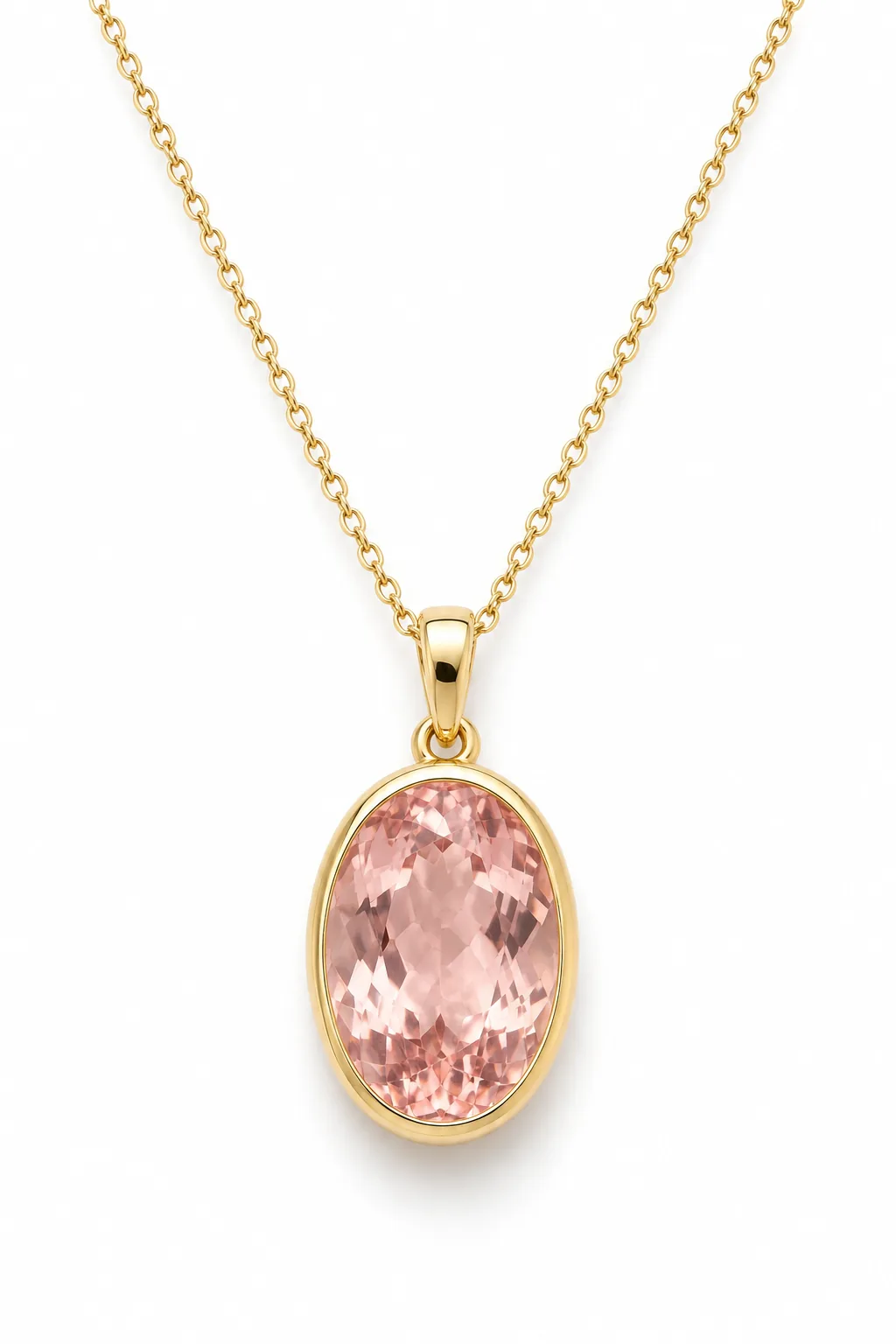
Product shot
Crisp, clean product images for your online store and catalogues.
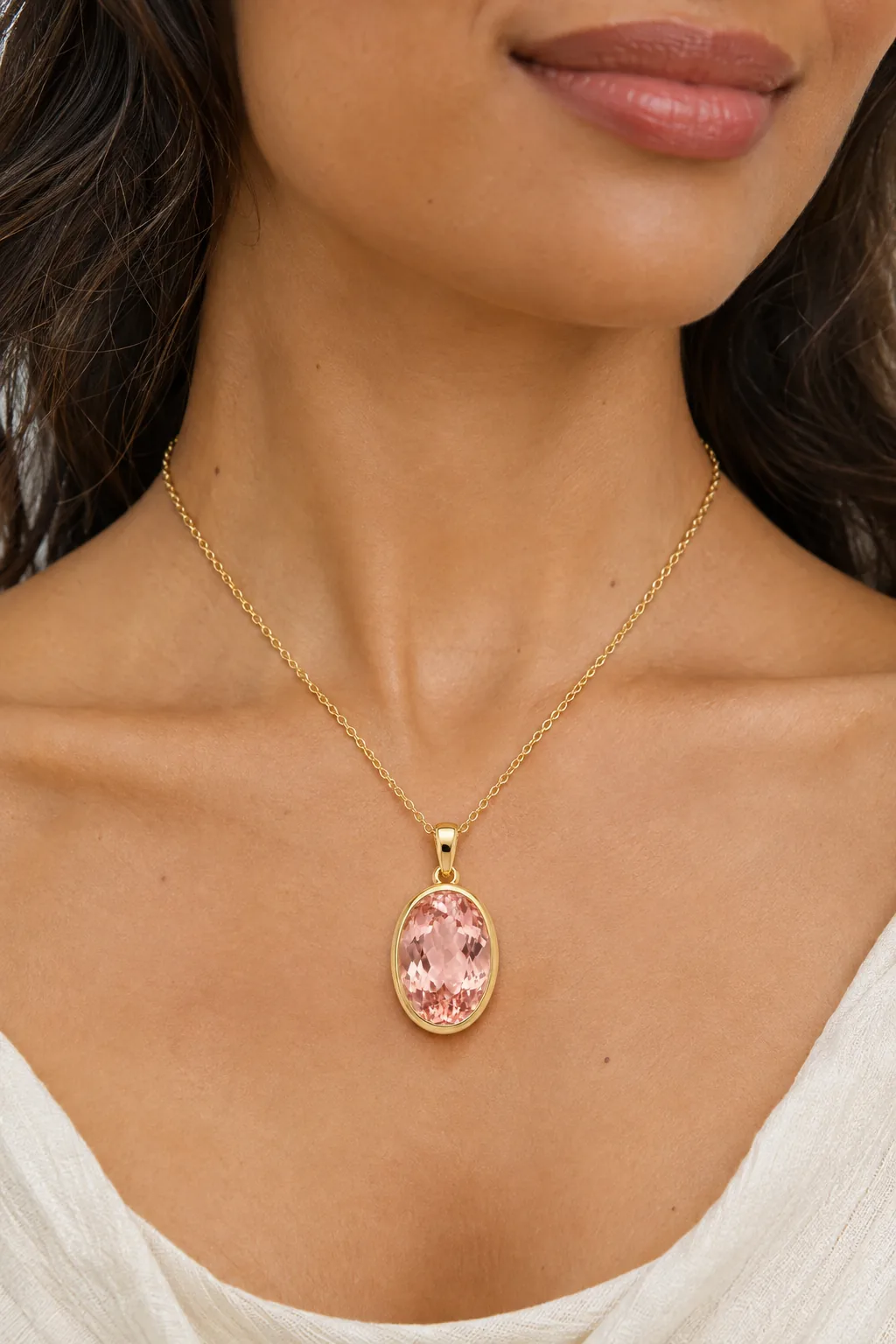
Try-on
Realistic try-on images that help customers picture the piece.
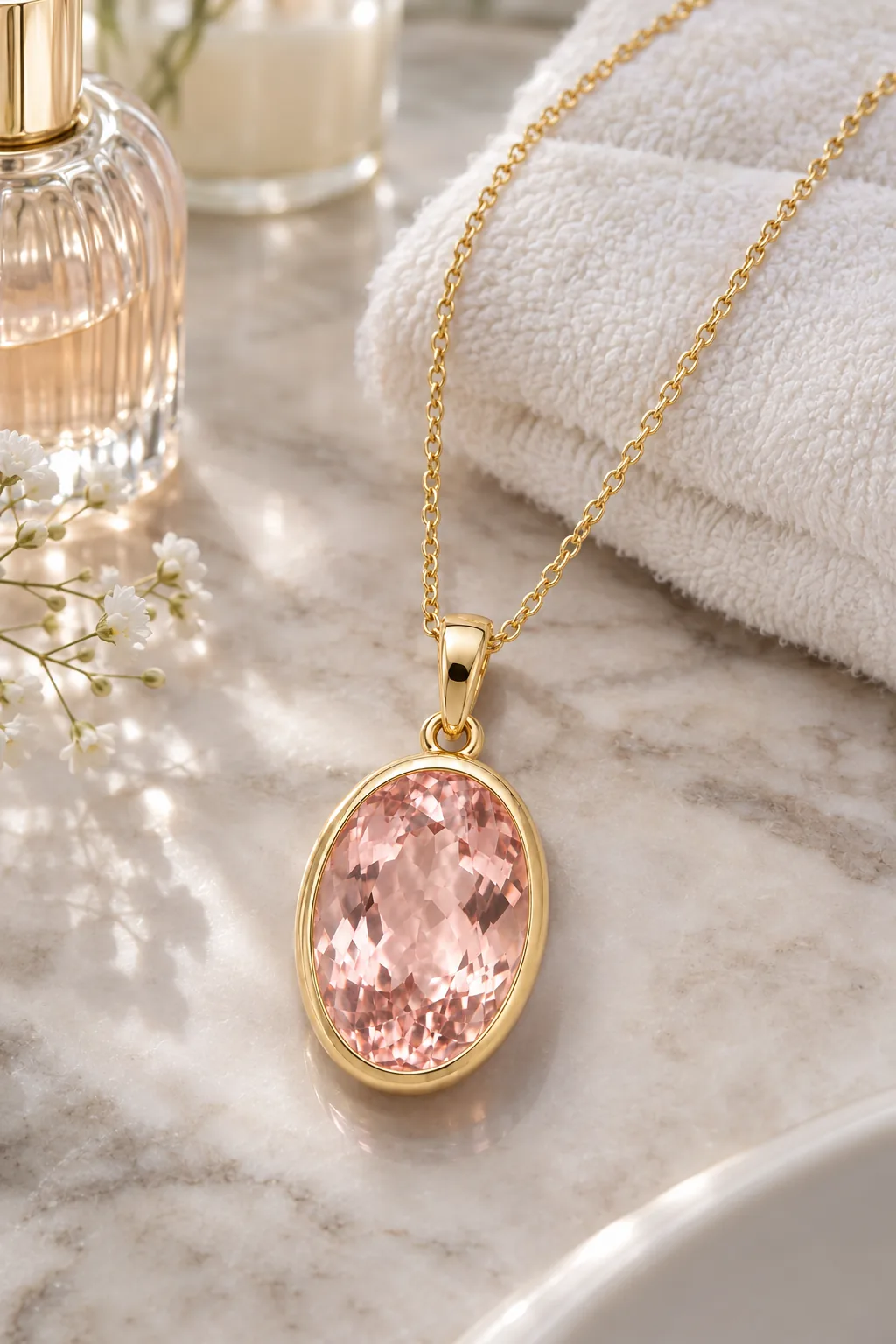
Lifestyle scene
Styled scenes that bring your jewellery to life in a natural setting.
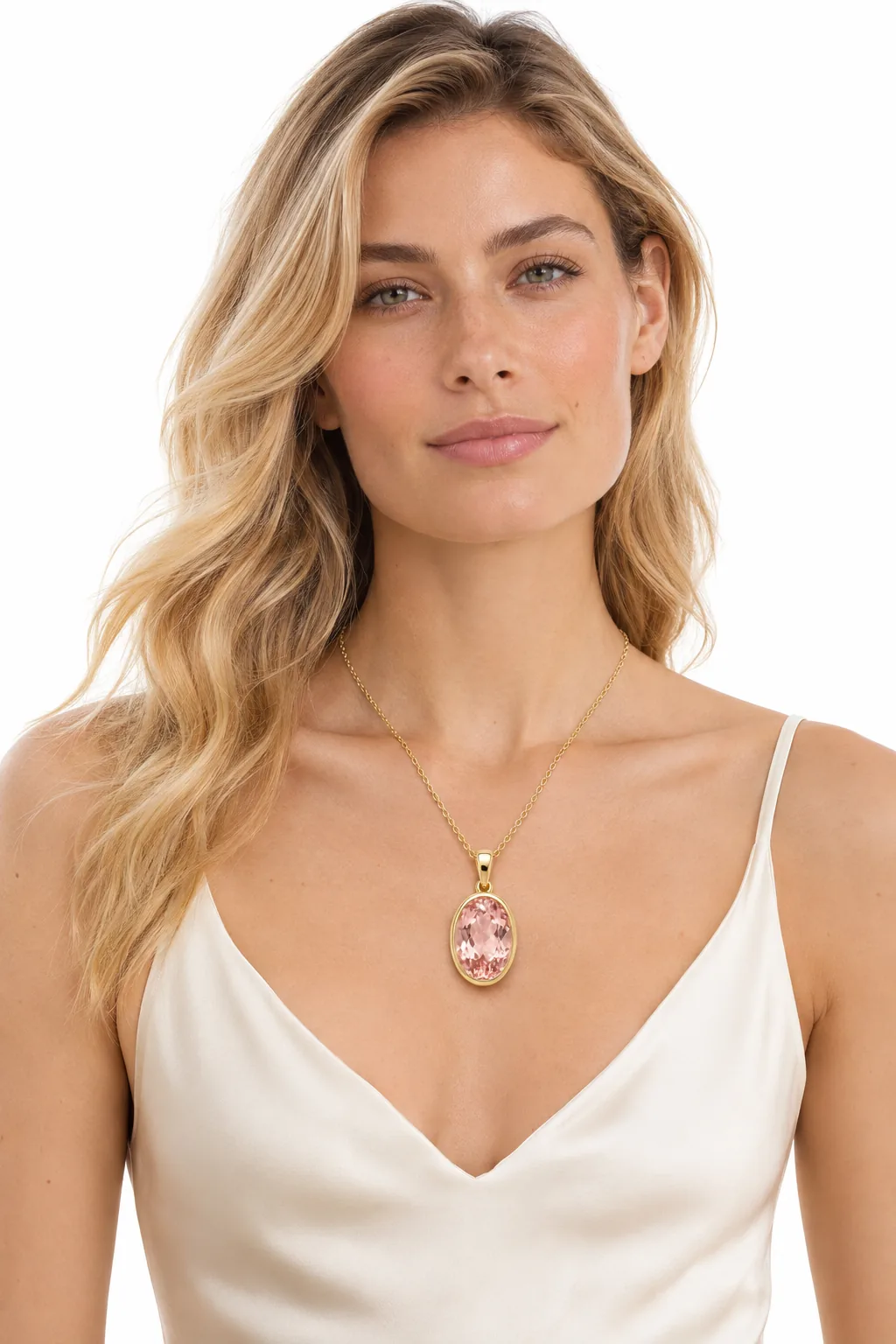
Campaign shot
High-impact visuals for lookbooks, ads and brand campaigns.
A young studio, already at work.
No photographer, no set, no retouching queue. Just upload, choose and download.
- 2026
- the year we launched
- 0
- makers and brands signed up
- 0
- images generated so far
What goes in, what comes out.
Each photograph began as the small image in its corner: a phone snapshot, a hand sketch or a CAD render. All six are straight from the studio, with no retouching.
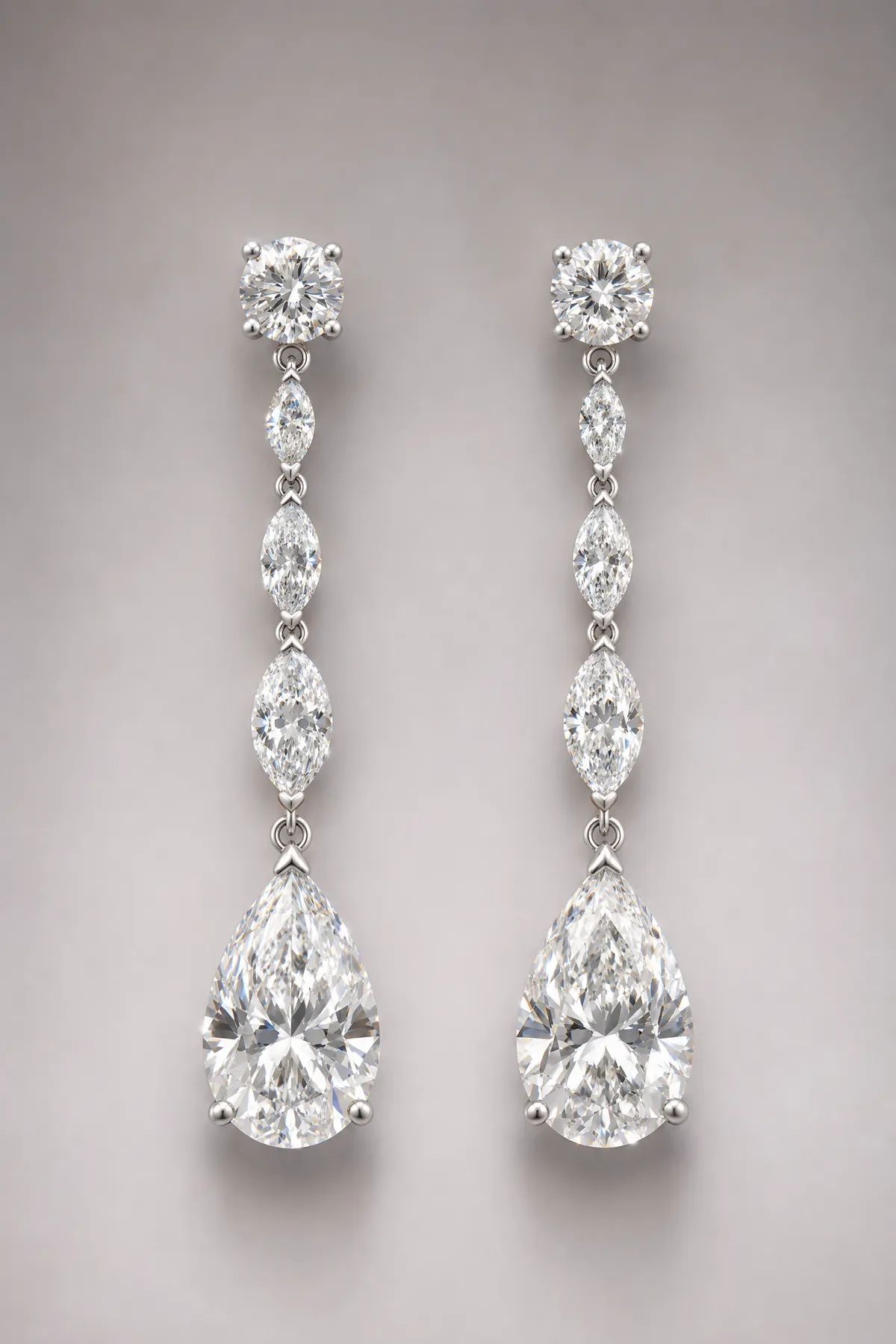
Product shotDiamond drop earrings in white gold on a soft grey backdrop 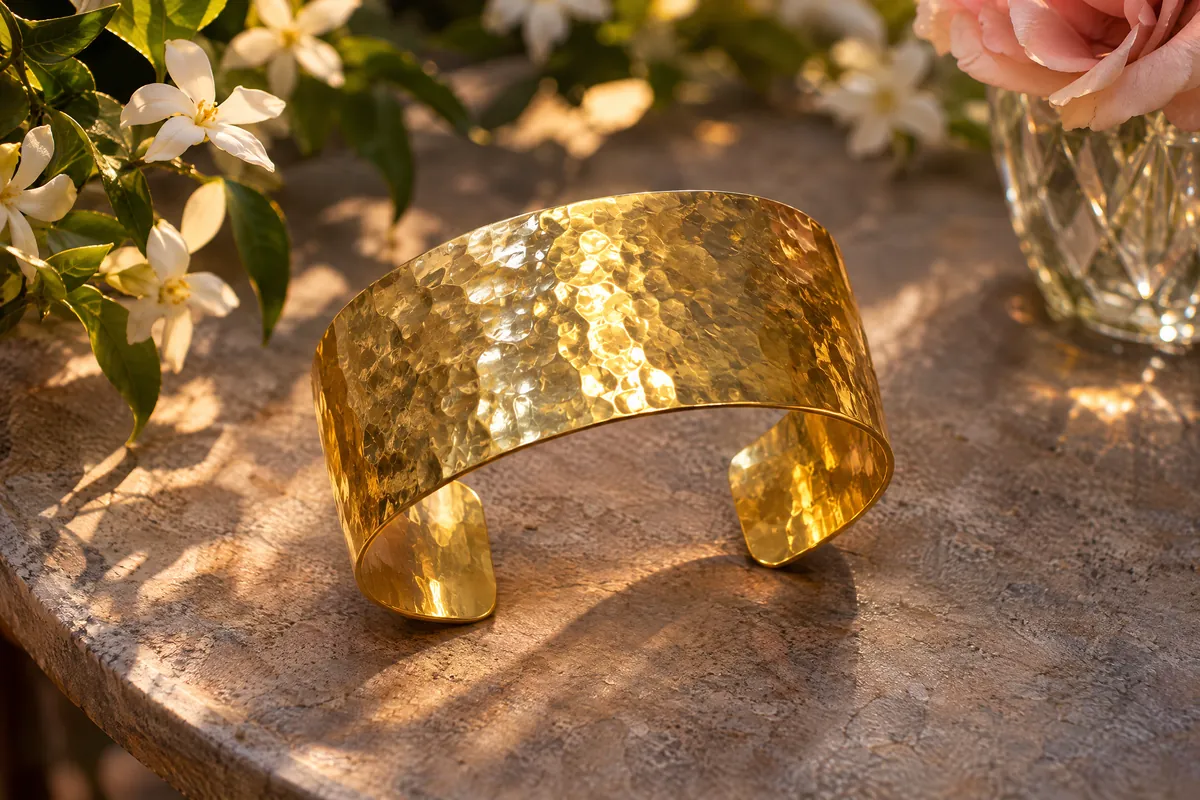
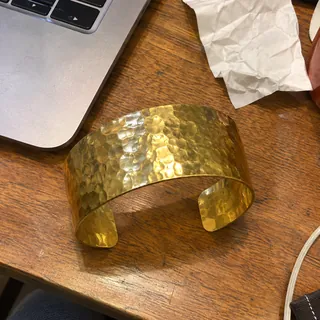
Lifestyle sceneHammered gold cuff on a garden table in golden-hour light 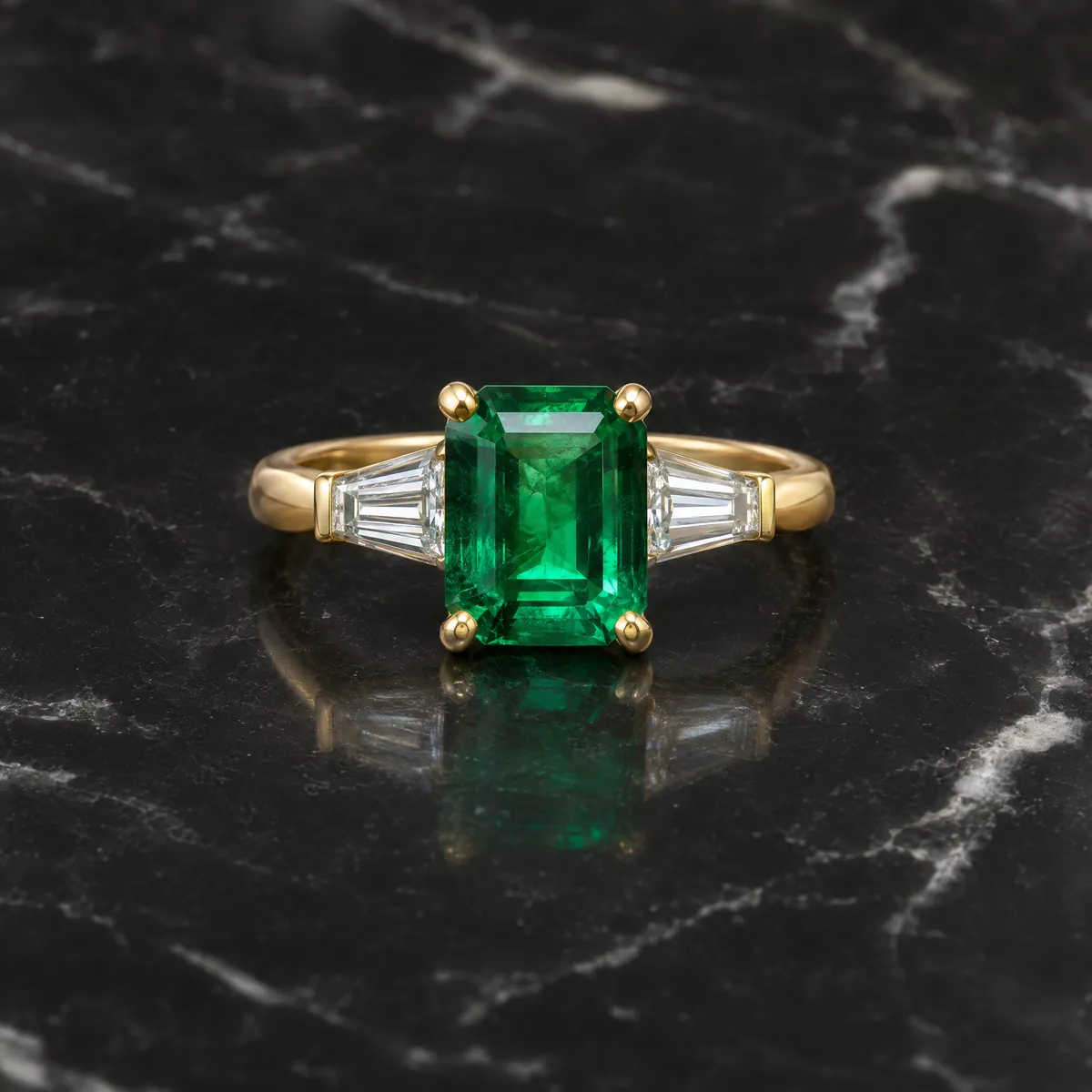
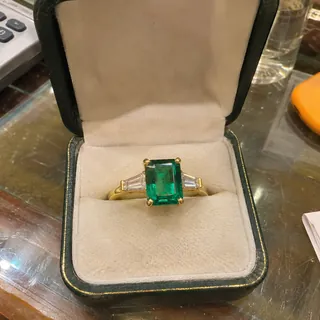
Product shotEmerald-cut emerald ring on polished black marble
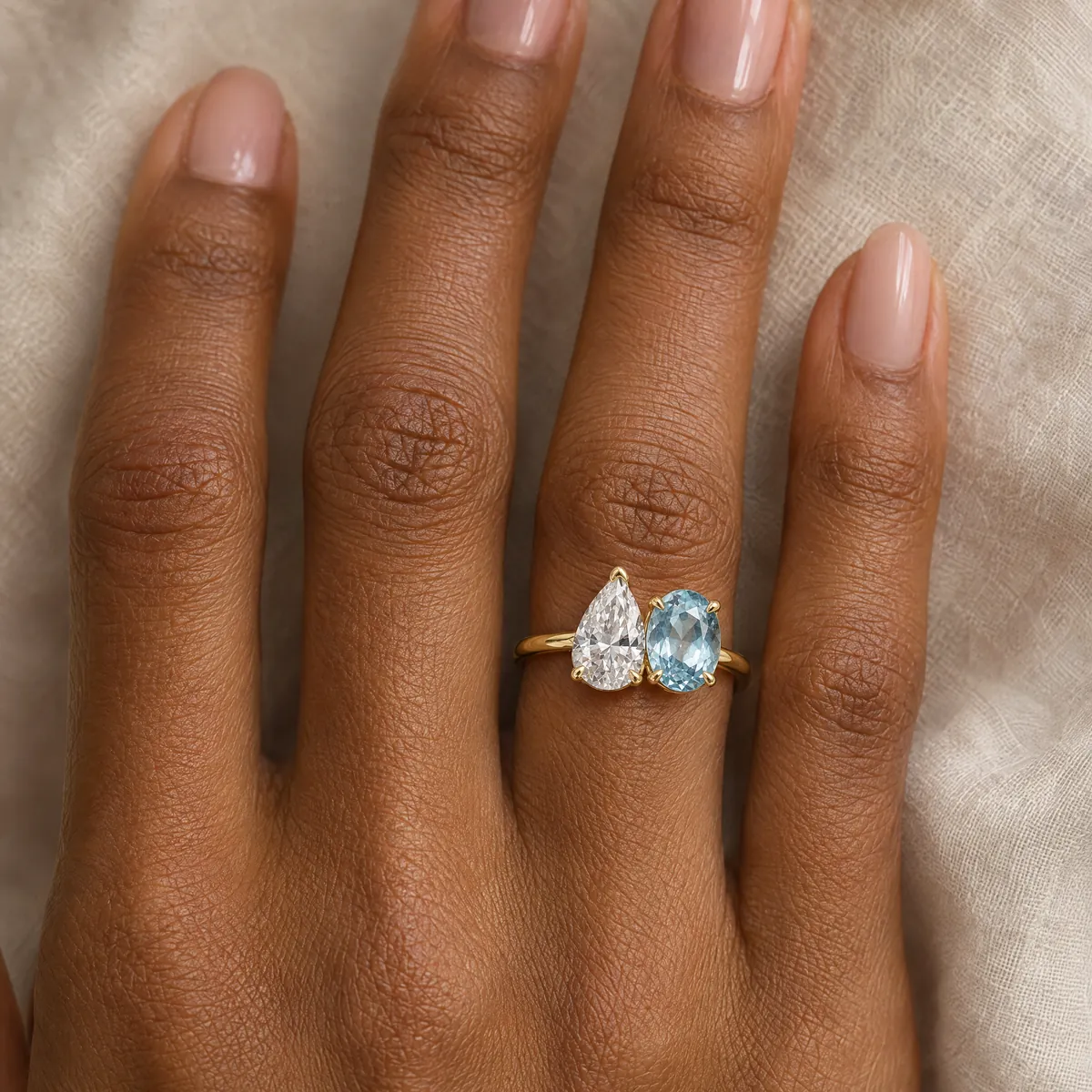
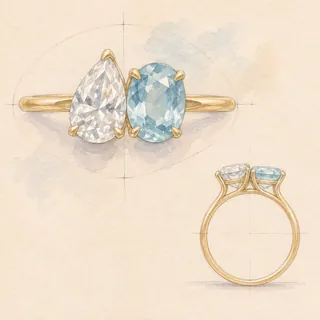
Try-onToi-et-moi ring with a pear diamond and an aquamarine, on the hand 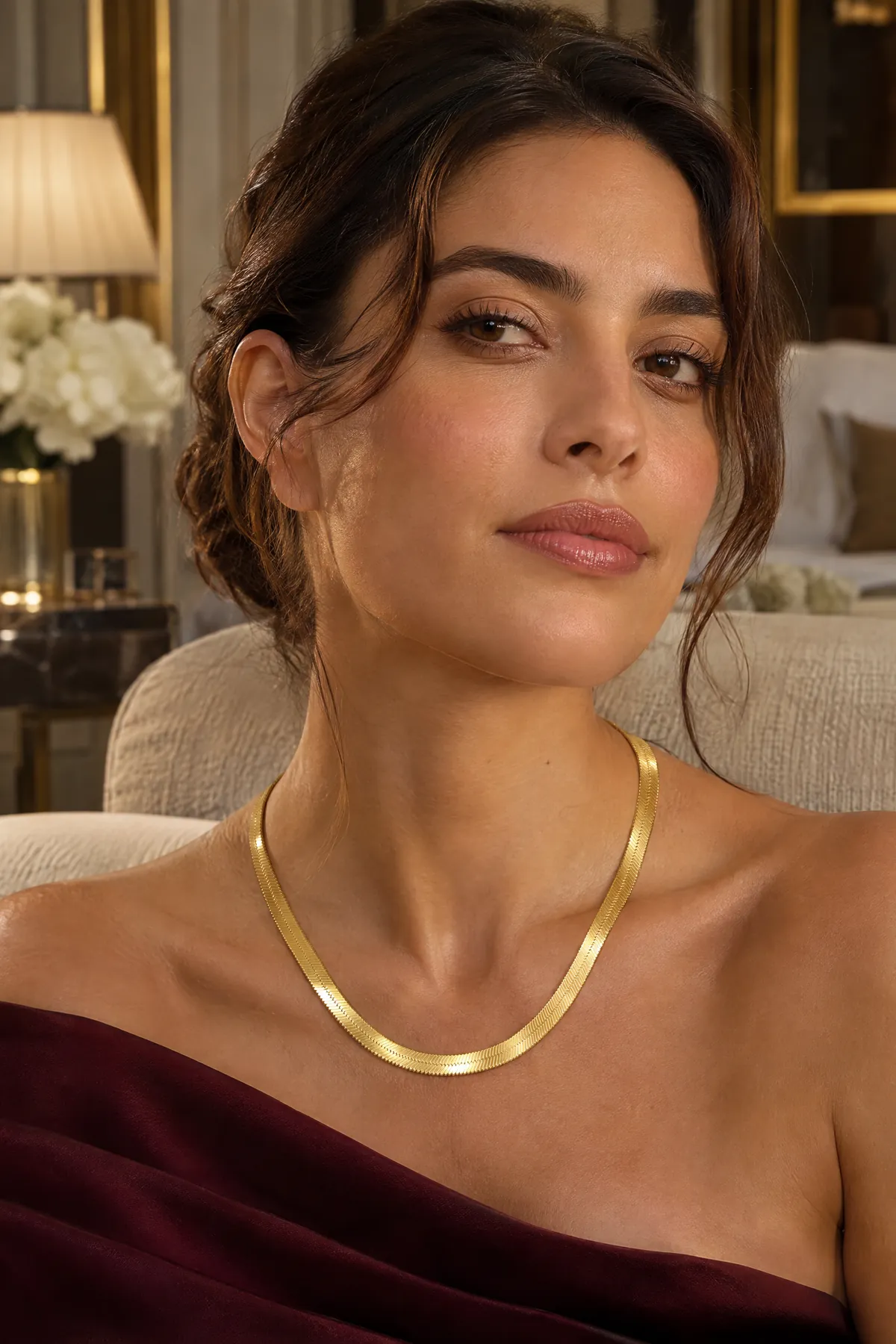
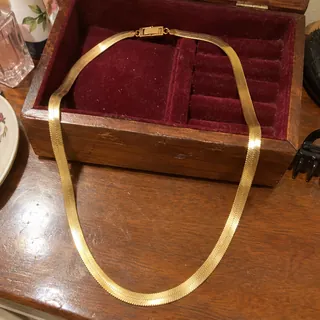
Campaign shotModel in a hotel suite wearing a gold herringbone collar 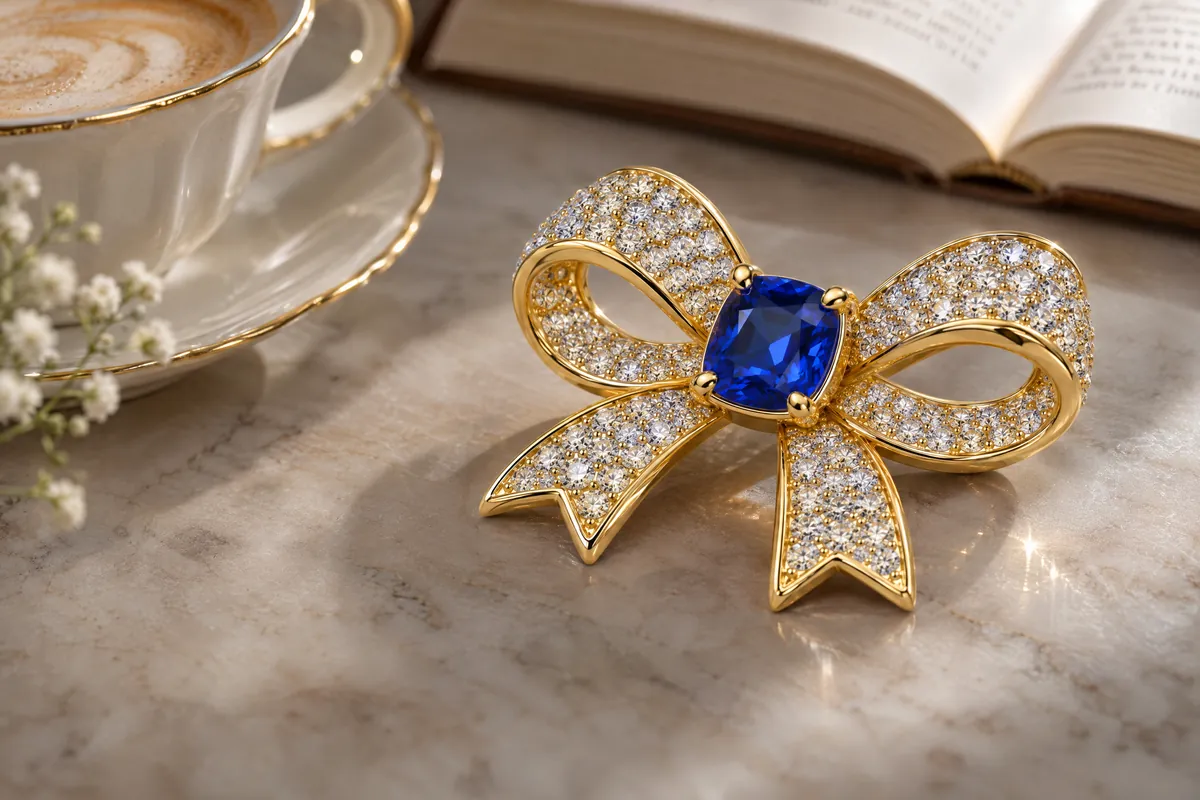
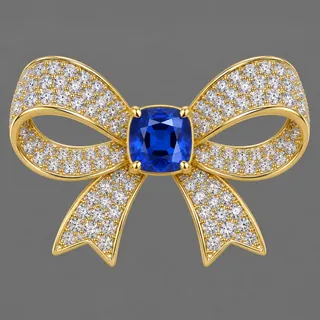
Lifestyle sceneDiamond and sapphire bow brooch, turned to a new angle beside a coffee cup
Questions, answered.
It turns a photo, sketch or CAD render of your jewellery into new, photorealistic images of the same piece: a product shot, a try-on image on a model, a lifestyle scene or a campaign shot. Pronglight reads your references first, so each image is built around your design.
Yes. Pronglight works from phone photos, product photos, hand sketches and CAD renders. Upload up to five images of the same piece, and if your reference has no colour, name the metal and stones in the notes.
Rings, earrings, necklaces, pendants, bracelets and brooches. The studio reads the type of piece from your references and frames each shot for it, for example a ring on the finger or earrings on the ear.
It follows your design closely, but a generated image can differ in small details such as stone count, proportions or colour. Review each image before you use it, especially to sell a piece.
Yes. As between you and Pronglight, you own the images generated for you and can use them for any lawful purpose, including in your shop, listings and ads. Make sure images used to sell a product show it accurately and follow local rules on labelling AI-generated content.
Yes. The Free plan gives you 10 credits every month with no card needed, and it opens the same studio as the paid plans: product shots, try-on images, lifestyle scenes and campaign shots.
You get the new plan’s extra credits straight away. Moving to a bigger plan charges only the price difference for the rest of the current billing period, plus VAT where it applies. Moving to a smaller plan takes effect at the end of the period you’ve paid for.
You pay once a year and get two months free compared with paying monthly. Your credits still arrive every month, so a yearly plan gives you twelve monthly allowances. Switching from monthly to yearly starts your first year that day, and the unused part of your current month is taken off the yearly price.
Yes. Your plan stays active until the end of the period you’ve paid for. After that your account moves to the Free plan, with 10 credits every month.
Count the images you need in a month. Free is for trying the studio, Designer for makers adding a few pieces at a time (up to 100 images), Studio for photographing full collections (up to 300) and Brand for ongoing catalogue and campaign work (up to 800). You can switch plans whenever your needs change.
Credits pay for images: a High quality image costs 1 credit and a Max quality image costs 2. If a generation fails, its credits come back automatically. Credits refresh every month, and unused ones don’t roll over.
Dodo Payments, our merchant of record. It runs the secure checkout, adds VAT or sales tax where it applies, and sends your receipts and invoices. Your card details go to Dodo Payments, never to us, and its name may appear on your bank statement.
Sign in and open Billing. Choose another plan there to switch, or select Manage subscription to open the Dodo Payments billing portal, where you can update your payment method, download invoices or cancel.
One studio, every channel.
Product shots, try-on images, lifestyle scenes and campaigns, in square, portrait and landscape.
 Campaign shot
 Product shot
 Try-on
 Lifestyle scene
 Campaign shot
 Product shot
 Lifestyle scene
 Product shot
 Product shot
Your next collection, photographed today.
Create an account and get 10 credits, enough for ten High quality images. No card needed.